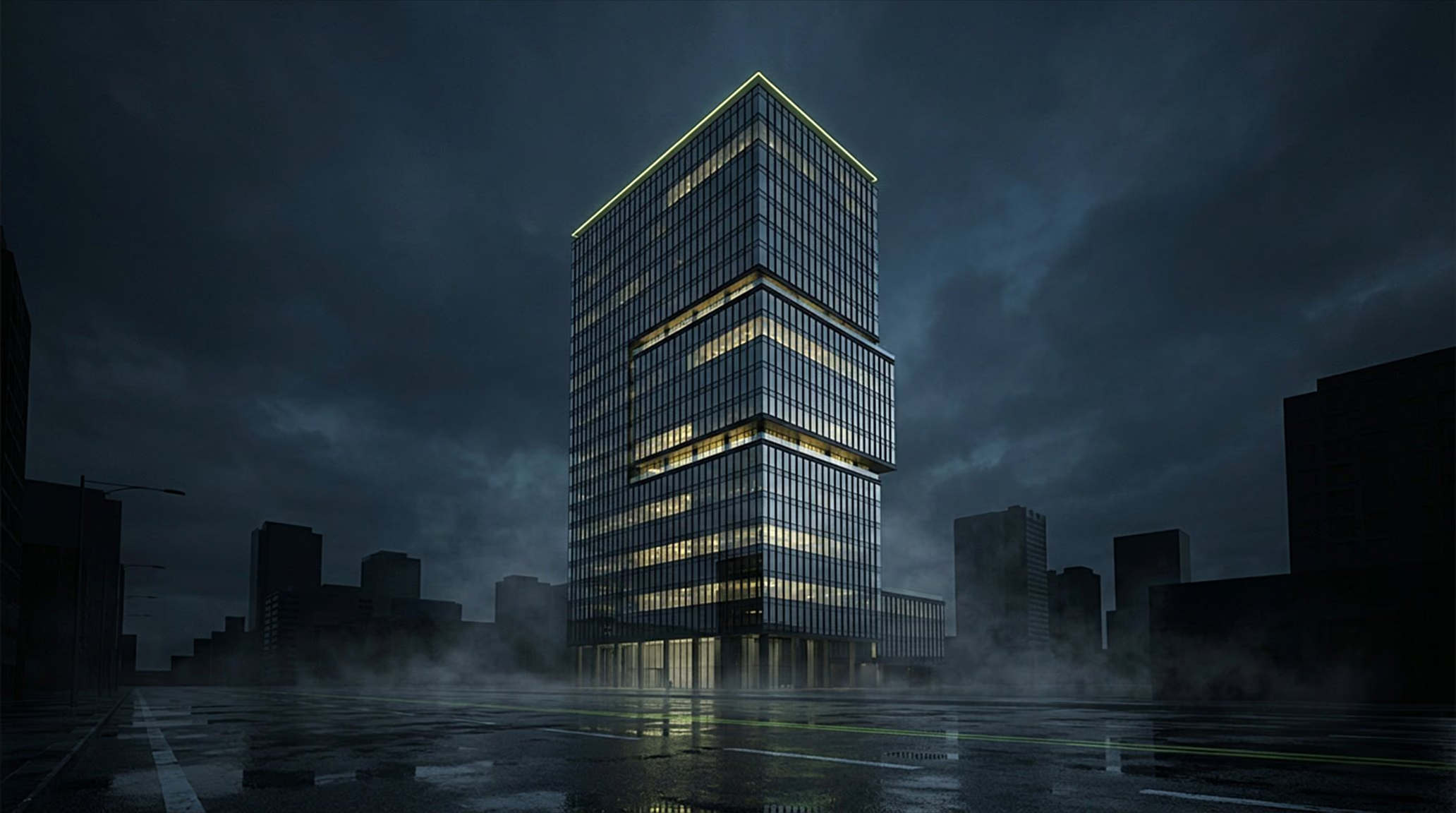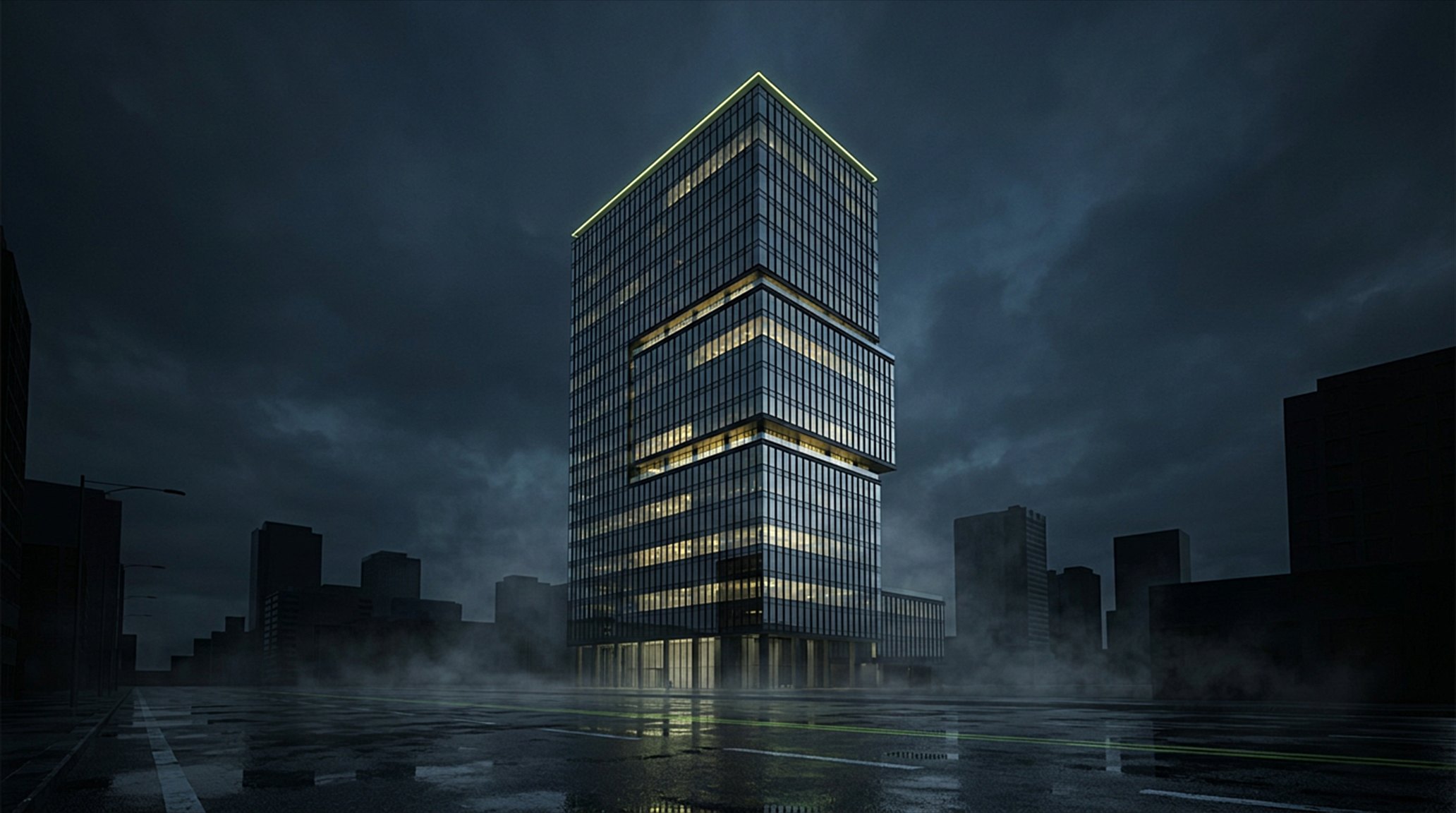
The building at night before the Kodaa Casambi dashboard goes live
X-ray view of the building's lighting layer — the Kodaa Casambi dashboard reveals what's normally invisibleLights waking floor by floor via the Kodaa Casambi dashboard mesh
Floor plan of level 07 lighting zones in the Kodaa Casambi dashboardPresence automation in the Kodaa Casambi dashboard — open office lit, rooms on occupancy
AUTO-OFF · −0.4 kWAUTO-OFF · −0.4 kWAUTO-OFF · −0.4 kWAUTO-OFF · −0.4 kW
Single luminaire live in the Kodaa Casambi dashboard — one fixture, real-time stateCasambi mesh with fixtures dark — before Kodaa dashboard visibilityThousands of fixtures live in the Kodaa Casambi dashboard — full-mesh visibilityNight setback scene in the Kodaa Casambi dashboardMorning scene waking the mesh — scheduled from the Kodaa Casambi dashboardWorkday peak — every floor lit, tracked live in the Kodaa Casambi dashboardEvening scene — reduced zones running the Kodaa Casambi dashboard scene engineFault detection in the Kodaa Casambi dashboard — silent driver drops flagged in real timeMulti-site aerial view — every site ready to join the Kodaa Casambi dashboard
SCANNING…000%
L20L16L12L08L04
MAPPING STRUCTURE
SERVICE CORE
RISERS · METERED PER FLOOR
FIXTURES DISCOVERED
0
EACH ONE ADDRESSABLE
⚡ LIVE DRAW69%
150.0 kW
of 216 kW rated · ₹1,350/h
SITE OVERWATCH

The whole site, from one desk.

Facility managers get full overwatch — every floor, every fixture, every watt, live on one screen.
FLOOR LIGHTING — LIVE
6.85 kW
PRESENCE SAVINGS — TODAY
12.40 kWh
ROOMS OFF WHEN EMPTY · TRACKED LIVE
OCCUPANCY · TODAY● LIVE
CCTOpen Plan West · L07
BRIGHTNESS74%
COLOR TEMP3200K
● ON31.1 W / 42 W
SCHEDULER — SITE 01
05:30
SCENE: NIGHT SETBACK · 10%
CCT 5700K — COOL WHITE
COOL SPECTRUM — ALERTNESS + FOCUS HOURS
QUICK SCENESSINGLE TAP
Morning
Afternoon
Evening
Night
L07 · LUM-0412 — DRIVER FAULT
DETECTED 00:02 · D4i DIAGNOSTIC · EMAIL SENT
L14 · LUM-0198 — DRIVER OVERTEMP
71°C · THROTTLED TO 60% · D4i THERMAL LOG
GATEWAY GW-01 — ONLINE
GATEWAY WATCHDOG · AUTO-ESCALATION
FAULTDriver 07-14B
L07No response
EMAIL SENT TO FACILITIES

Casambi energy monitoring

Your building has a pulse.

One live Casambi dashboard for every fixture on your mesh — energy monitoring, presence automation, fault alerts, and control, in real time.

built on
00 / THE X-RAY

Most buildings are black boxes.

Concrete hides the waste — heat, empty floors burning light all night. Kodaa lets you see right through it.

SEE INSIDE THE BUILDING
01 / THE WIRELESS RETROFIT

No new wires. Every light alive.

Casambi's wireless control is built right into the driver. Retrofit it, and every fixture you already own joins the mesh — addressable, monitored, alive.

▼ LEVEL 07
SEE THROUGH TO EVERY FIXTURE
02 / FLOORPLAN CONTROL

Control, drawn to scale.

Level 07, live. Real plans, real rooms — every zone a switch you can see.

03 / OCCUPANCY

Light follows life.

Casambi sensors inside the luminaires wake a room when you arrive, and let it go dark when it empties. Energy you never buy.

04 / LIGHT + GROUP CONTROL

One fixture.

A single luminaire — one Casambi node under direct control. Dim it, schedule it, scene it, from anywhere.

Or thousands.

Now scale that to thousands — every node on the same wireless mesh, answering as one command.

MASTER LEVEL0%
05 / SCENES & SCHEDULES

The whole day, on rails.

Scenes fire on schedule — nobody touches a switch. The light simply follows the day:

07:30 · MORNINGCool white. Focus and energy.
16:00 · AFTERNOONWarm white. Winding down.
19:00 · EVENINGFewer people. Zones dim down.
22:00 · NIGHTFacade off. Corridors dimmed.
06 / ENERGY & CARBON

Every watt, counted.

Live metering becomes a carbon ledger — per site, per zone, per hour. Every kilowatt saved is CO₂ you never emitted.

764,310
kWh METERED
295.1
tCO₂e AVOIDED
32%
VS BASELINE
07 / FAULTS & HEALTH

Failures announce themselves.

A driver dies at midnight on Level 07. The mesh reports it, Kodaa flags the fixture — and you know before anyone walks past.

● MONITORED 24/72 OPEN FAULTSOUTAGE HISTORY → DASHBOARD
08 / SITE-LEVEL CONTROL

One pulse. Every site.

Every building, every Casambi network, on one command surface. A single mesh tops out around 250 nodes — Kodaa federates hundreds of them, so one tower or one hundred scales without limit.

3 SITES3 CASAMBI NETWORKS1 DASHBOARD

THE RECIPE

Three ingredients.

A Casambi gateway. A Casambi network. Your lights. Kodaa runs on exactly that — nothing else.

NO REWIRING · NO NEW CABLING · EXISTING COMMISSIONING KEPT

Your lights on the mesh

01 · YOUR LIGHTS — ONE MESH

Casambi Cloud Gateway

02 · CASAMBI GATEWAY

FULLY ACTIVE

03 · KODAA

EVERY LIGHT · EVERY NETWORK · EVERY SITE

THE MESH FORMS → PLUG IN THE GATEWAY → KODAA GOES LIVE

INSIDE THE COCKPIT

Overview

MODULE 01 · OVERVIEW LIVE

LIVE DRAW

3.4 kW28%

Live draw, spend, savings — the building's vitals on one wall.

10 · MODULES OF THE DASHBOARD

01 / 10

Overview

MODULE 01 · OVERVIEW LIVE

LIVE DRAW

3.4 kW28%

Live draw, spend, savings — the building's vitals on one wall.

02 / 10

Fixtures

MODULE 02 · FIXTURES LIVE
DIMCabin sky · 50W rated

BRIGHTNESS

74%

Every luminaire is a card — slider, wattage, on/off truth.

03 / 10

Scenes

MODULE 03 · SCENES LIVE
100%75%50%

Ninety-one moods and schedules — full blaze to blackout in one tap.

04 / 10

Energy

MODULE 04 · ENERGY LIVE
TODAY HOURLYRs386

Hour-by-hour kWh with the tariff already done — in rupees.

05 / 10

Daylight

MODULE 05 · DAYLIGHT LIVE

SAVING RIGHT NOW

210 W

dimmed by daylight · 3 lux sensors

Lux sensors dim what the sun already paid for.

06 / 10

Occupancy

MODULE 06 · OCCUPANCY LIVE
OCCUPANCY · TODAY

A presence heatmap shows which rooms actually work for you.

07 / 10

Floor Plan

MODULE 07 · FLOOR PLAN LIVE

GROUND · 18 FIXTURES

Fixtures live on your real drawings — 2D today, 3D when you want it.

08 / 10

Faults

MODULE 08 · FAULTS LIVE

CRITICAL

Driver L07-114

Battery 0%

emailed 00:04

Dead batteries, offline drivers, gateway drops — emailed before anyone notices.

09 / 10

Networks

MODULE 09 · NETWORKS LIVE
Tower One · 412 fixtures Live
Annexe · 186 fixtures Live

Casambi networks attach like bricks — the estate sums correctly.

10 / 10

Team

MODULE 10 · TEAM LIVE
ESTATE ADMINCONTROLVIEW ONLY

Scoped logins for installers and staff — they never see your Casambi password.

THE PLATFORM

SAMPLE DATA — LIVE FEED PENDING

The whole building.
One screen.

Every fixture, group and floor in one operator's cockpit — fed straight from your Casambi networks through the Cloud API.

CasaNode dashboard overview — deliberately cropped glimpse

LIVE PRODUCT · OVERVIEW DASHBOARD

THE REAL PRODUCT

This is the dashboard at work.

Every card here — the live draw, the sliders, the fault feed — is the real dashboard, not a mock-up. This is one glimpse; the full cockpit comes to life on the walkthrough.

WHITE-LABEL — EVERY TENANT GETS THEIR OWN BRAND. TRY IT:
NAME · TAGLINE · LOGOS · FAVICONS · THEME — PER TENANT, LIVE PREVIEW
+ ADD SITE — MINUTES, NOT MONTHS
NET·01 TOWER CORE — 412 NODESNET·02 PODIUM — 186 NODESNET·03 FACADE — 64 NODESEVOLUTION + CLASSIC · EXISTING COMMISSIONING KEPT · NO REWIRING

LIVE LOAD

150.0 kW

ENERGY TODAY

2,094 kWh

CO₂ AVOIDED — YTD

295.1 t

OCCUPANCY NOW

68%

LOAD PROFILE — LAST 24H
▼ 32% VS BASELINEkWh / HOUR
PEAK — 09:00
CONSUMPTION — LIVEWORKING-HOURS BASELINE
GROUP CONTROL
Open office — A + C320 FIXTURES
Meeting suites48 FIXTURES
Facade + lobby176 FIXTURES
FLOORPLAN — LEVEL 07VIEWING SITE 01 — SAMPLE
Interactive floorplan

SWITCH ANY ZONE STRAIGHT FROM THE PLAN — LIVE IN THE DASHBOARD

OCCUPANCY BY LEVEL
L1274%
L1061%
L0882%
L0657%
L0466%
L0239%

Experience Kodaa.

Site-level control for every building you run — from one tower to a global portfolio. See your own building live on the dashboard.

BUILT ON Casambi

30-MINUTE WALKTHROUGH · THE LIVE DASHBOARD

Q · 08

answers.

  • 01What is Kodaa?

    Kodaa is a live Casambi dashboard for multi-site lighting operations. It sits on top of your existing Casambi mesh — no rewiring, no fixture work — and gives your team one screen for every fixture across every site you run: live energy, presence automation, fault detection, and control.

  • 02Is Kodaa an official Casambi dashboard?

    Kodaa is built by CasaNode LLP, Casambi’s official distributor in India, and runs on the standard Casambi Cloud API. It isn’t made by Casambi themselves — it’s the aggregation layer on top of Casambi networks, designed for operators running multiple sites.

  • 03How is Kodaa different from the Casambi app?

    The Casambi app is brilliant for a single site. Kodaa is for operators running many sites at once — hotels, retail chains, offices, campuses — where the app-per-site model doesn’t scale. Kodaa aggregates every network you own into one live pane, with rollups the app can’t do.

  • 04How long does the Kodaa Casambi dashboard take to set up?

    Hours, not weeks. If your fixtures are Casambi-Ready, plugging in a Casambi gateway is the last step. Kodaa’s dashboard picks up your mesh through the Casambi Cloud and starts showing every fixture immediately — no rewiring, no re-commissioning.

  • 05What can I see on the Kodaa Casambi dashboard?

    Real-time state for every driver (on/off, dim level, colour temperature, health), live energy in watts and kWh, per-site rollups with CO₂ factor for BRSR-ready reporting, occupancy patterns, and open faults — all in one screen.

  • 06Does Kodaa work with all Casambi-Ready fixtures?

    Yes. Kodaa reads from the Casambi Cloud API, so any Casambi-Ready driver, sensor, or switch on your mesh appears in the dashboard automatically. No fixture-specific setup required.

  • 07Can I use Kodaa for multi-site Casambi networks?

    That’s the primary use case. Kodaa aggregates unlimited Casambi networks into a single tenant dashboard — every site’s fixtures, energy, and faults appear together, with per-site rollups on demand.

  • 08Is Kodaa whitelabelled?

    Every deployment ships with its own branding. Operators can present the Kodaa Casambi dashboard under their own name to their customers.